
A little more in tune with you
Your everyday.
Better understood.
What you eat. How you sleep. How you feel.
Bring it all together, with Within.
Coming soon
for iPhone & Apple Watch
A private journal. No account. No ads.
Scroll to bring your everyday together

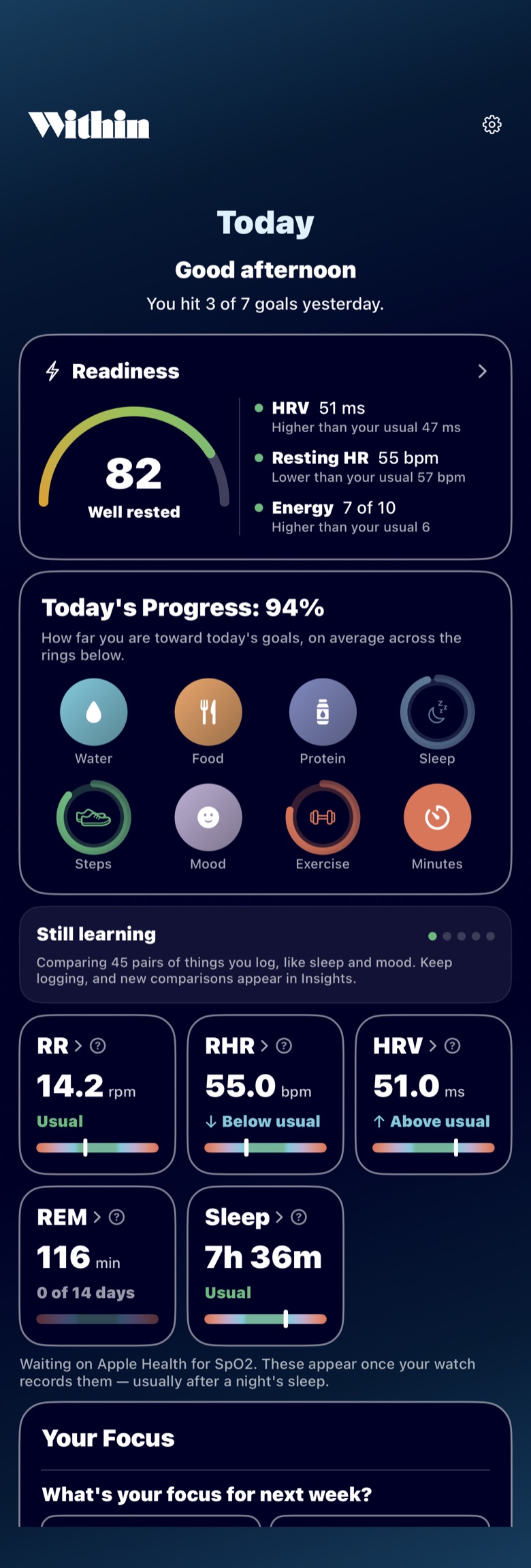
All the little things.
One place to see them.
FOOD · SLEEP · MOOD · MOVEMENT
Discover your everyday
Find your way in
What brings you
to Within?
Start with food and the small habits around it. Find a meal, check in with yourself and keep the everyday together.
A day with Within
Small moments.
All connected.
From your first check-in to a little time for yourself. Explore the places Within fits into an ordinary day.
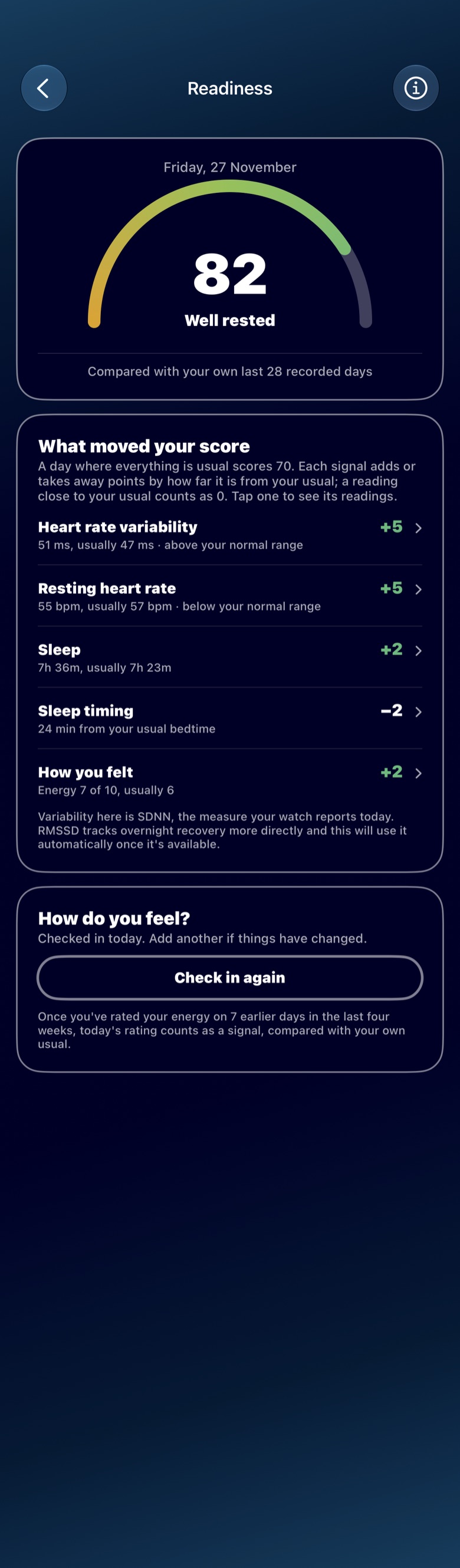
Morning
Start with your usual.
See your Readiness and the signals behind it, compared with your own recent history.
Explore this part of Within →An illustrative day using real app captures from a demo journal. These screens show examples, rather than one continuous recorded day.

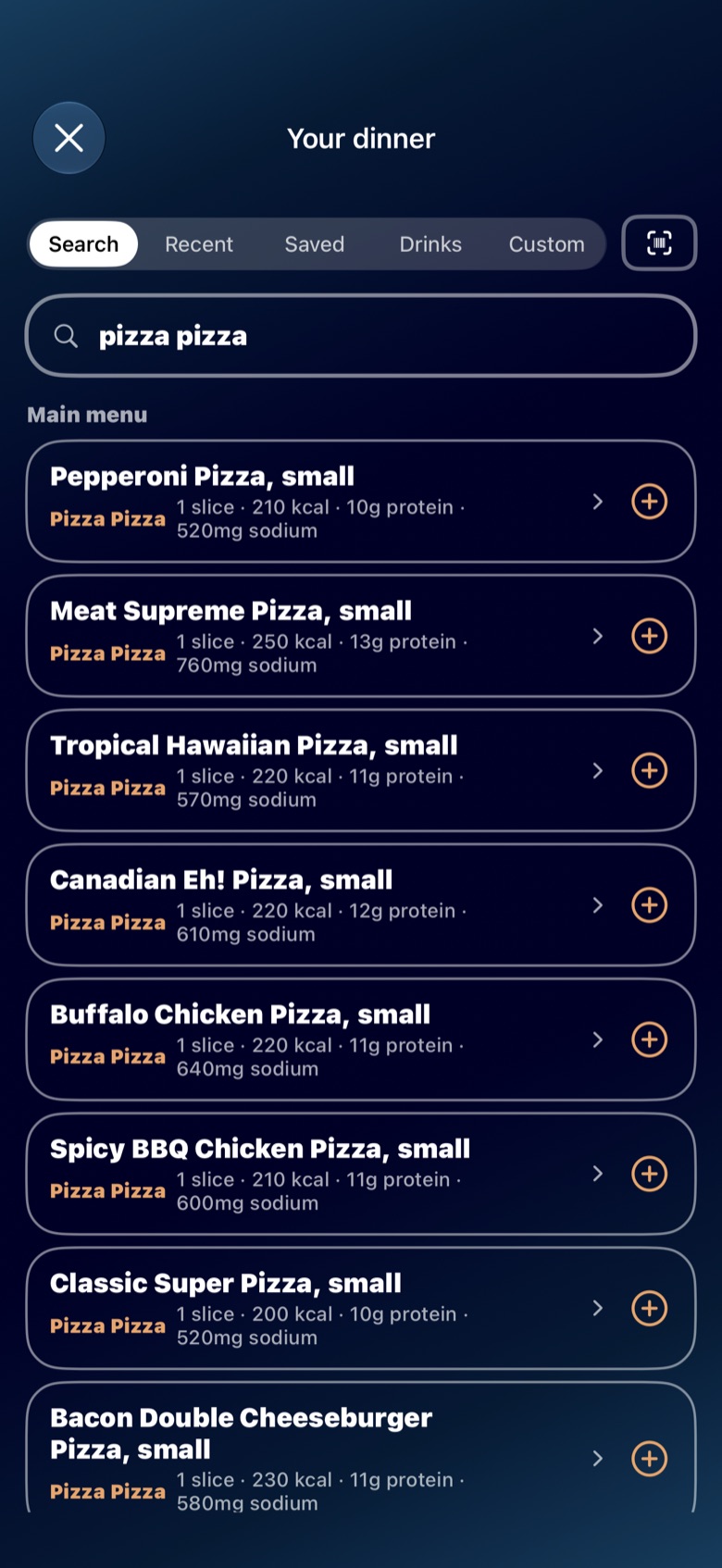
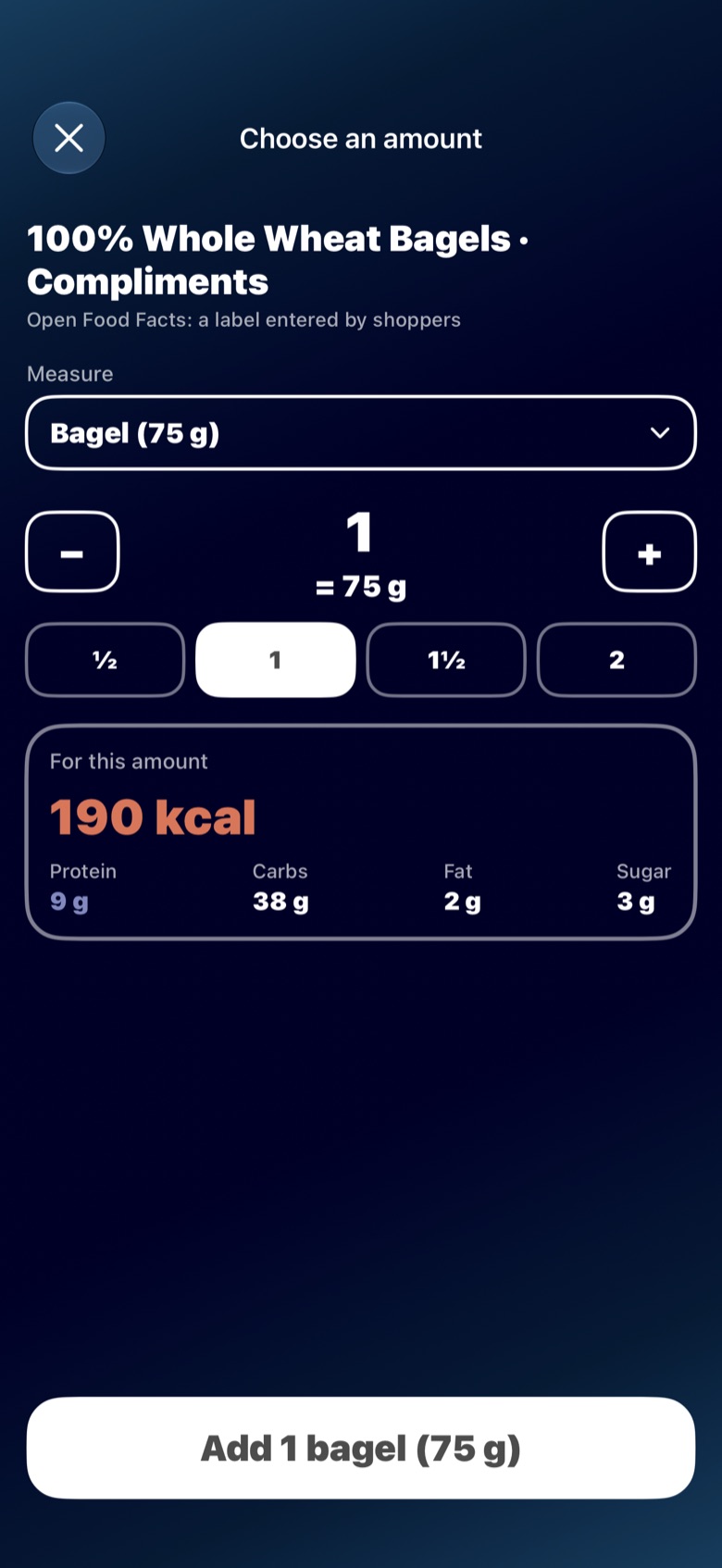
Home cooked.
On the go.
It all belongs.
Food & drink
Make room
for real life.
A home-cooked favourite. Lunch on the go. Whatever’s on your plate, give it a place in your day.
Find it. Make it yours.
Search foods and restaurant menus, scan a barcode, or save the meals you come back to.
Point the camera.
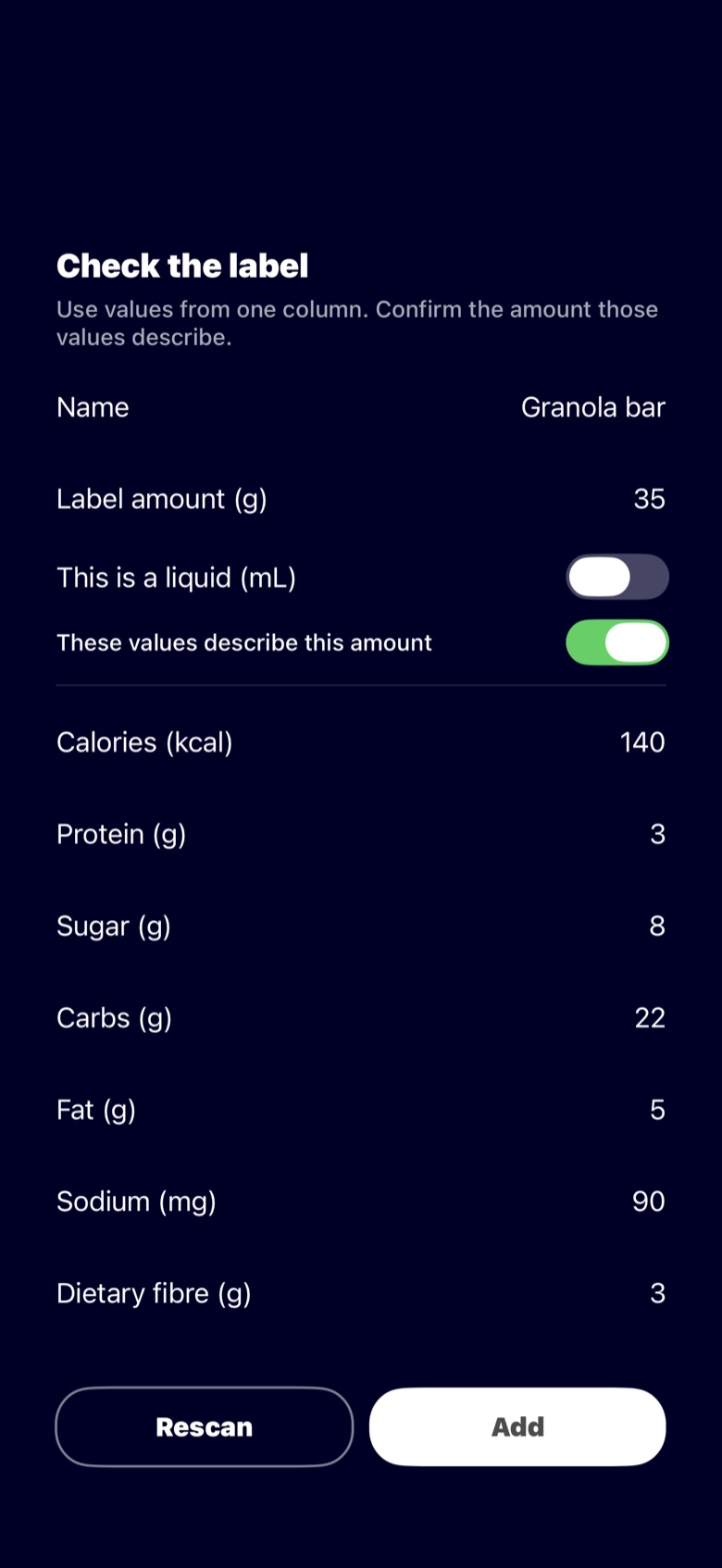
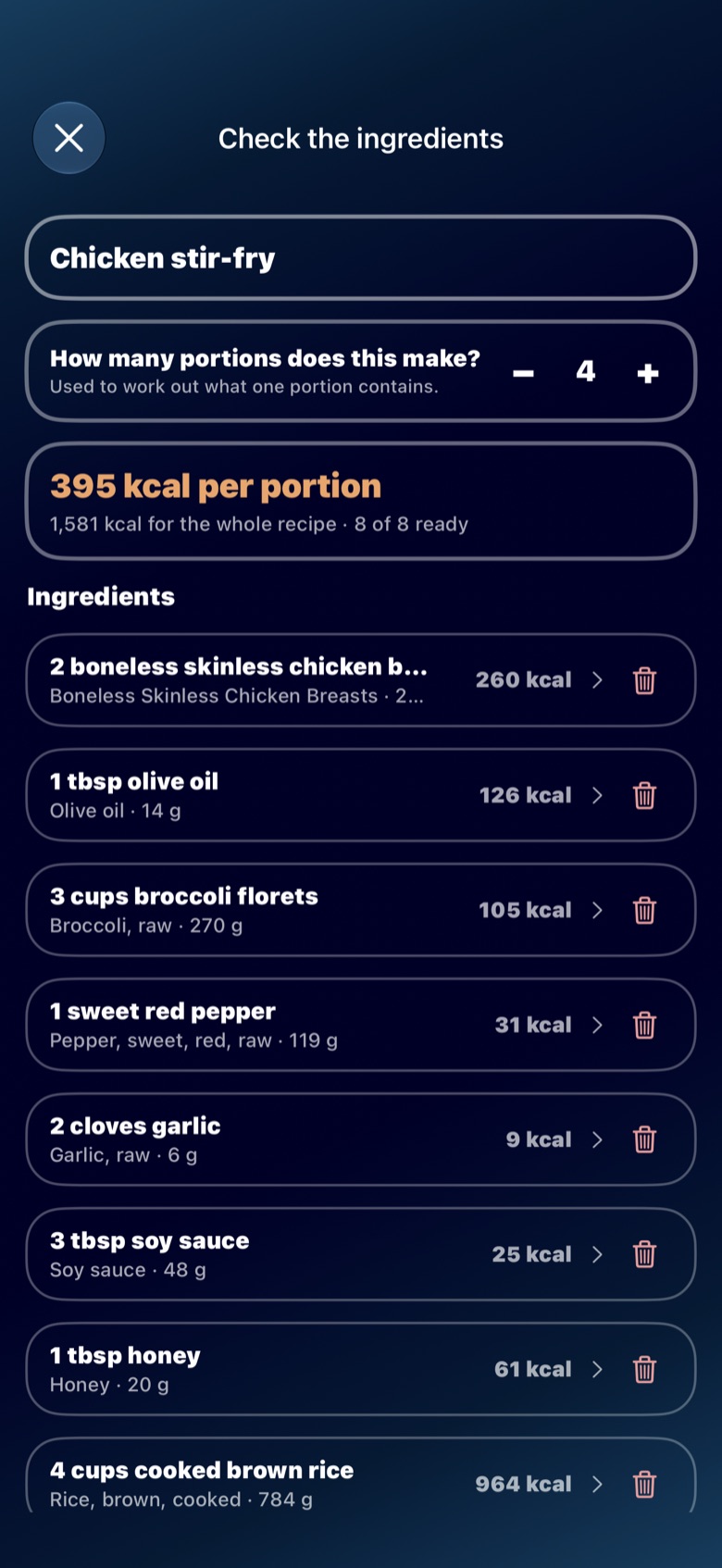
Read a nutrition label or a recipe’s ingredients, then check what it found before you add it.
Start with what you’re craving.
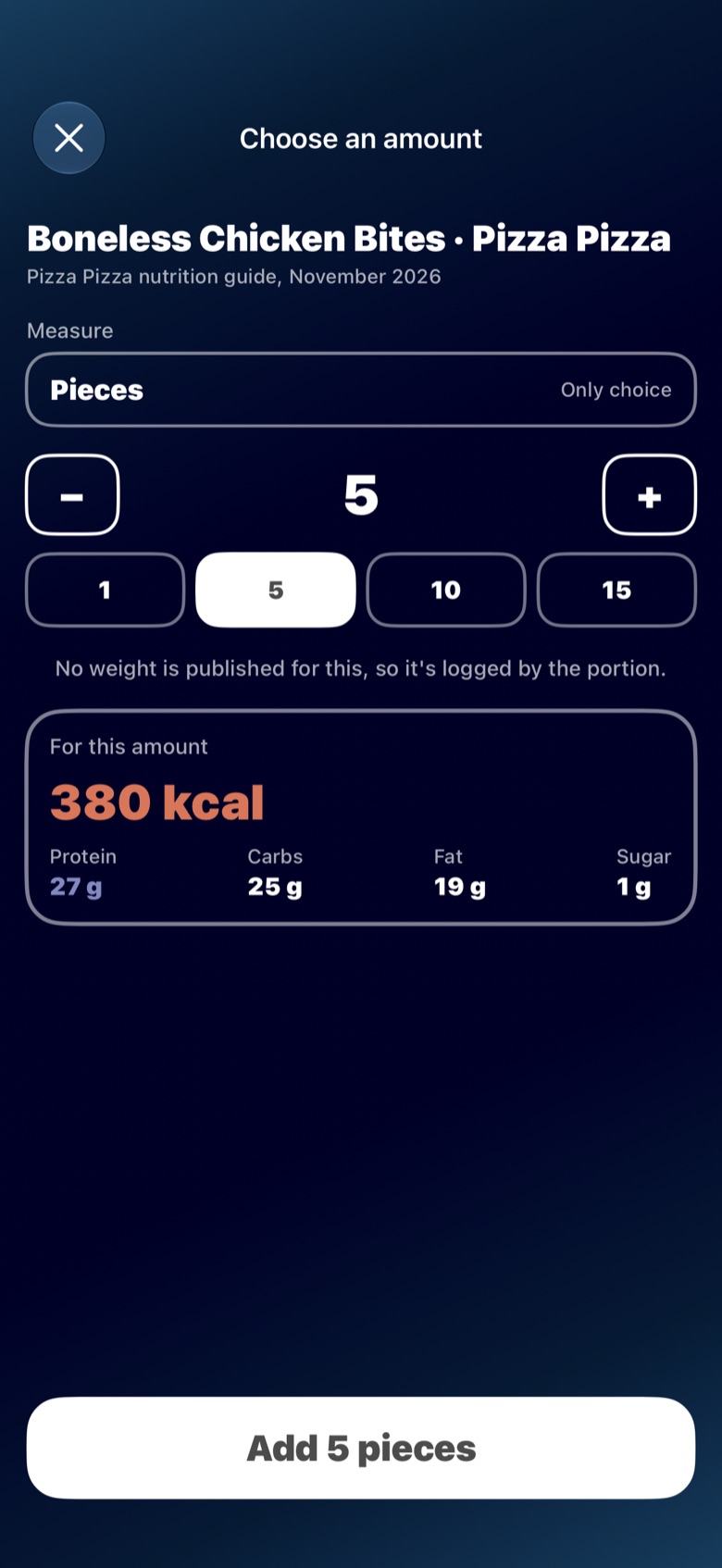
Look up a restaurant or a food. Browse real dishes, then choose the one you ate.
Five real screens. Search, choose an amount, scan and review.
Your daily journal
Little moments.
A fuller picture.
A glass of water. A mood check-in. A good night’s sleep. Small things that say something about your day.
A little logging goes a long way.
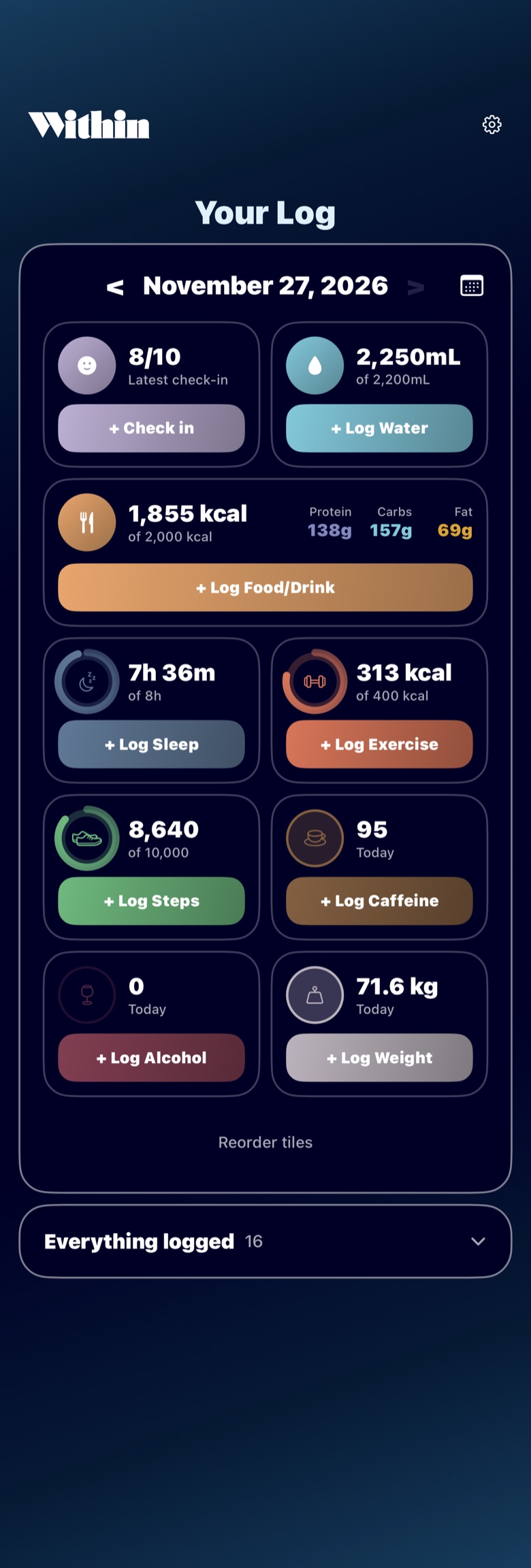
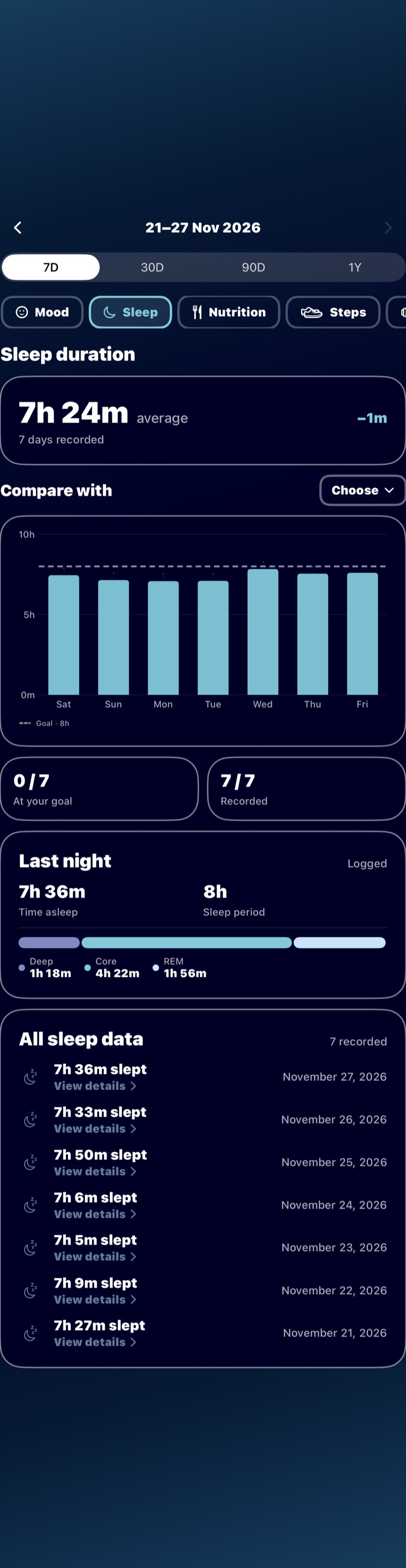
Food, water, mood, energy and more, together in Your Log.
Let your devices help.
Bring in sleep, steps and workouts from Apple Health, with your permission.

A little logging.
A lot to learn.
Sleep & Readiness
Your usual.
A personal starting point.
Put today’s sleep and heart signals beside your own recent history. Get to know what’s usual for you.
Insights & personal tests
Your habits.
Your own evidence.
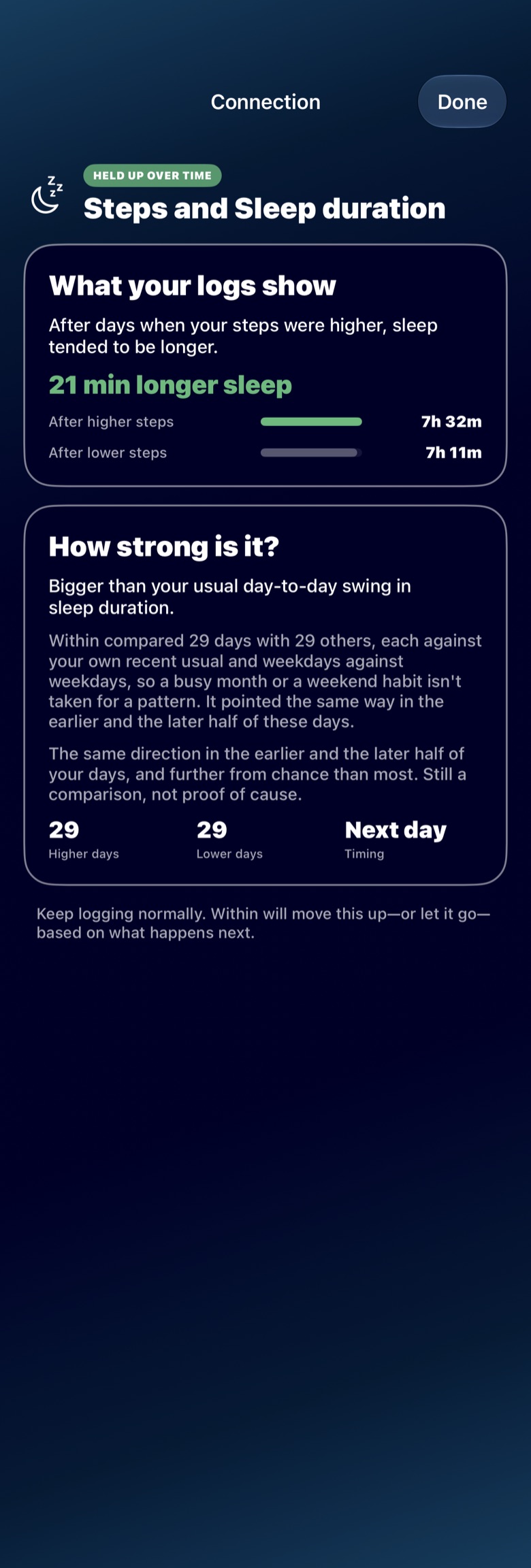
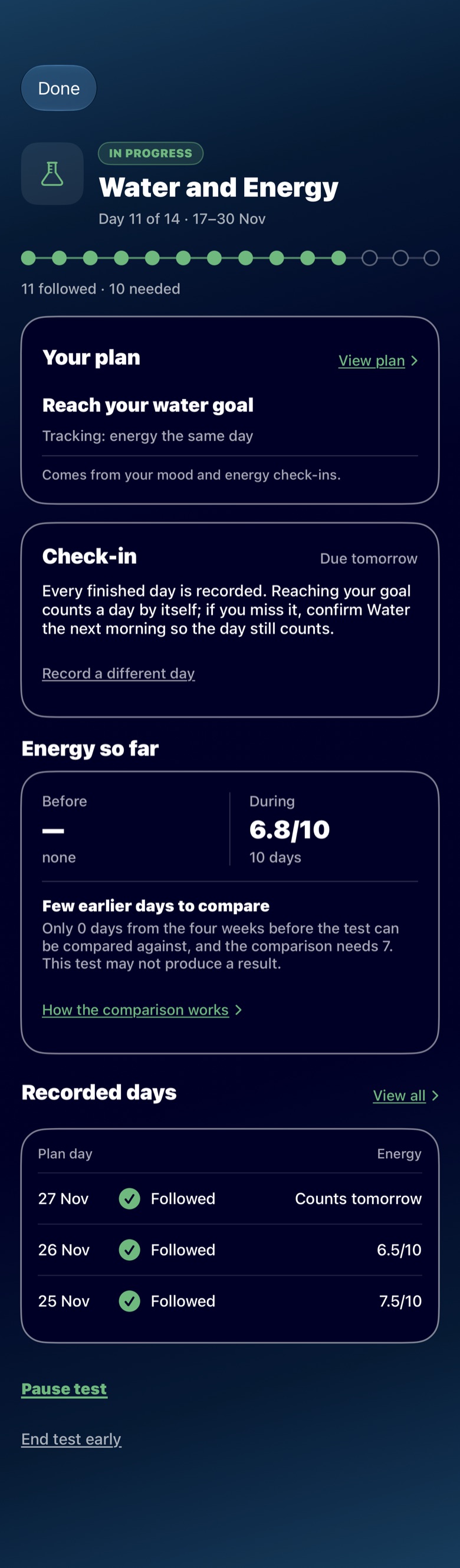
See what tends to go together in your logs. Look at the days behind a pattern, or try one small change of your own.
Patterns show associations in your history. Within keeps the context visible, including when there isn’t enough information to say.
Training & Apple Watch
A plan that
moves with you.
Make time for movement, your way. Build a Coach plan around your week and keep your training close.
Know your next set.
Exercise guides, strength logging, supersets and a rest timer. See your progress over time.
Take Within with you.
Water, mood and workouts on Apple Watch. Track walks, runs and rides from your wrist.
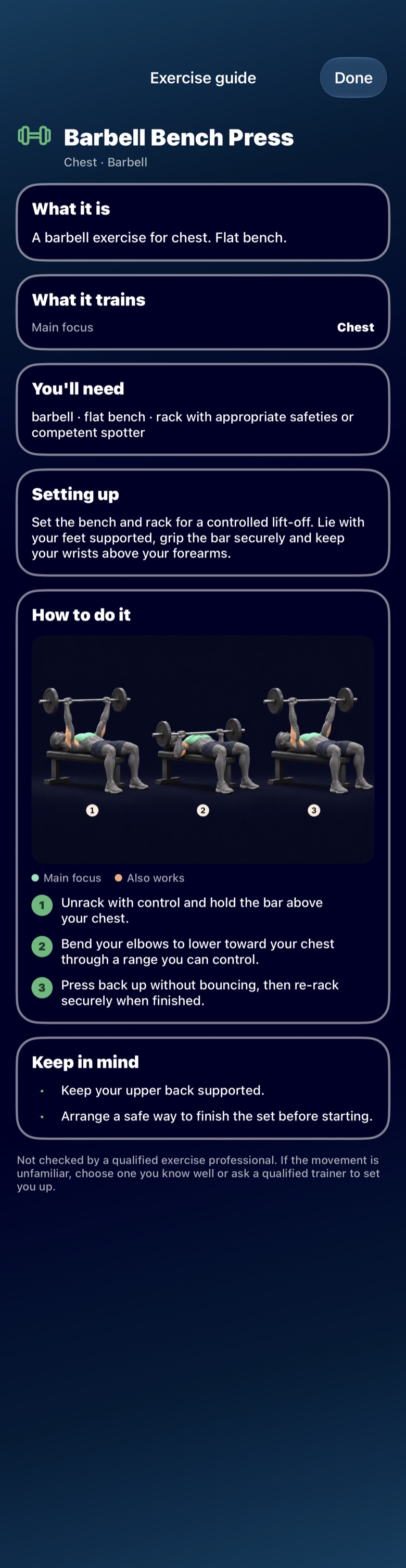
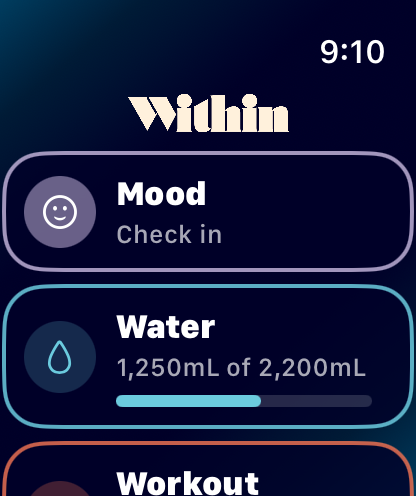
Keep it close.
Keep moving.
Private by design
Your life.
Yours to keep.
Your journal stays on your devices. Save an encrypted backup where you choose. Keep your everyday in your hands.
- No account
- No ads
- Your own devices
Within, for iPhone & Apple Watch
Get to know
your everyday.
Coming soon to the App Store.